Reproduce an incorrect PNG icon path, change one URL, and verify the actual response before and after the repair.
Acorn Notes is an original demonstration project. Local production tests were recorded on November 16, 2026. The case pages and downloads are published; the path-repair case also includes real public checker reports. The framework projects were tested locally.
Reproduce the failure
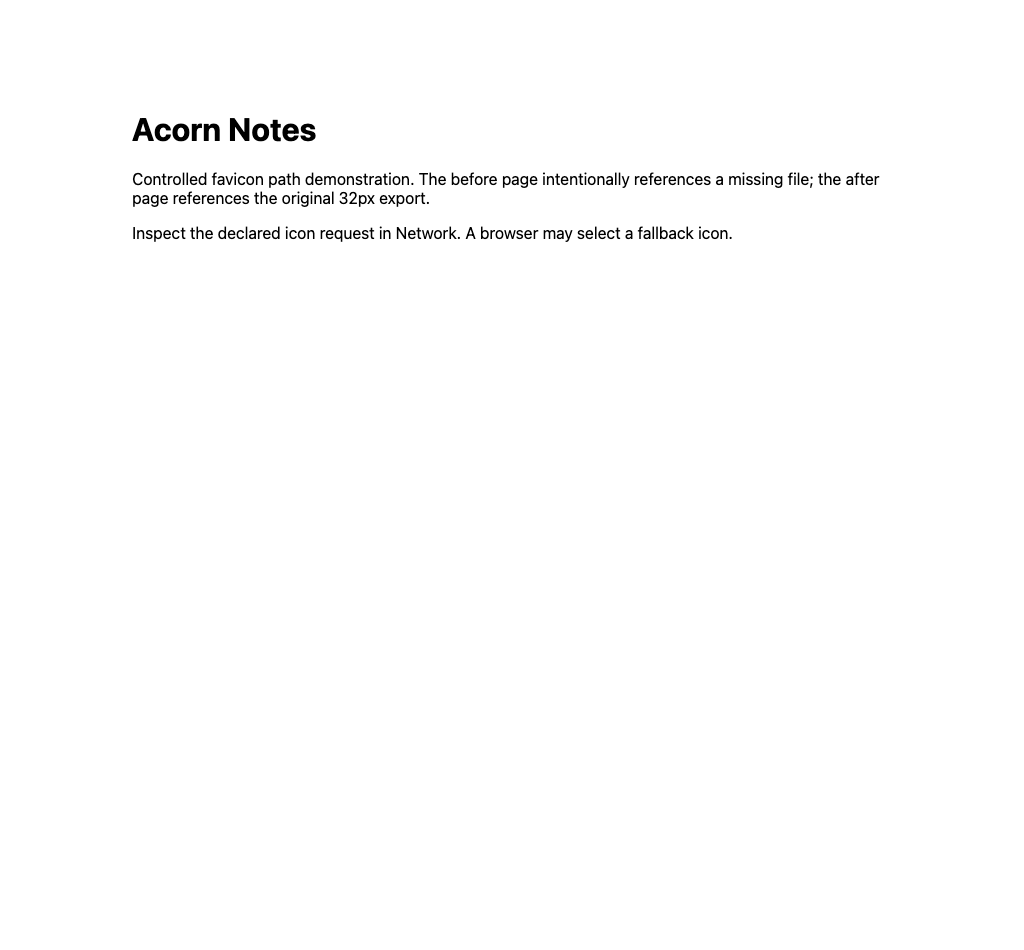
The two demonstration pages are identical except for one icon path. The before page declares missing.png; that file intentionally does not exist. Both pages declare a 32×32 PNG. Inspect the link in the HTML and its resolved request in Network.
Open the before fixture · Open the after fixture
Change the declared path
<link rel="icon" type="image/png" sizes="32x32" href="/examples/favicon-path-fix/fixture/favicon-32x32.png">The after page points to the same original PNG used in the conversion and installation cases. No cache purge or image redesign is required to correct this URL.
Observed results
The actual local HTTP run returned 404 for the declared missing path, then 200 with image/png and decoded dimensions 32×32 for the corrected path. Opening the page alone is insufficient evidence: browsers may select another icon or use a cached fallback.
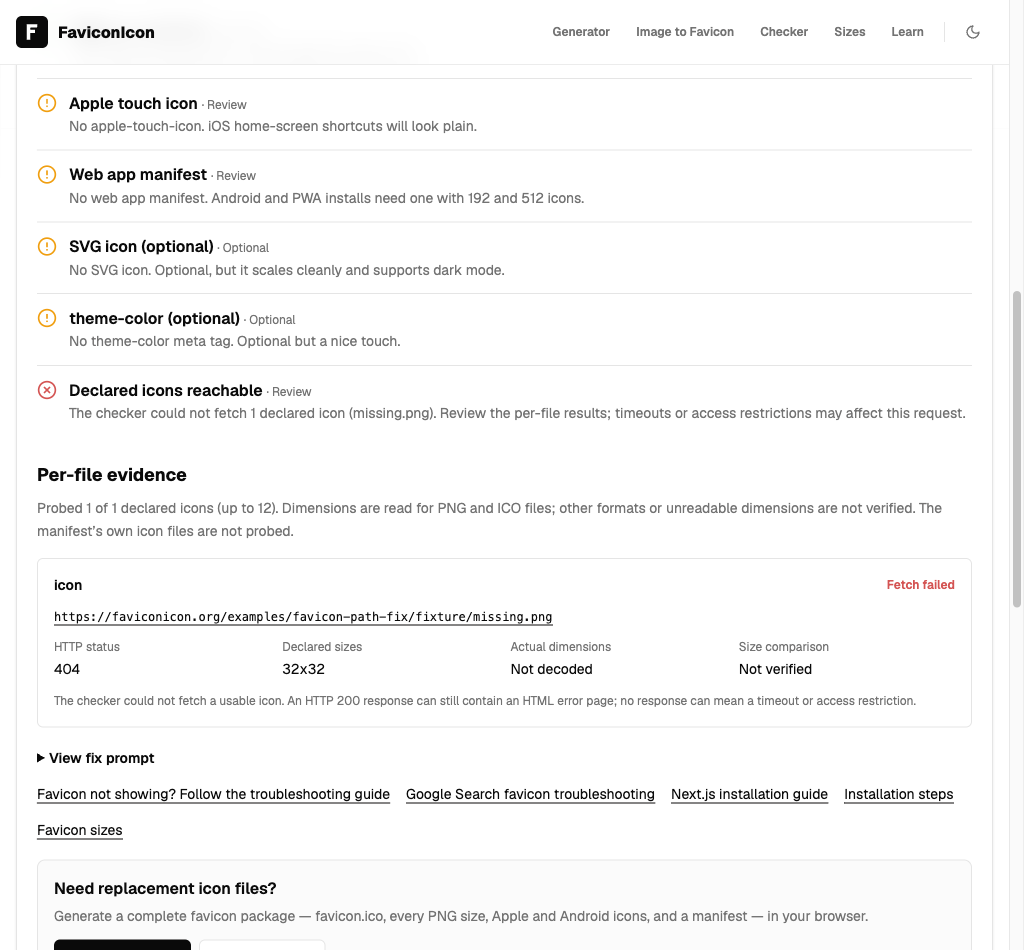
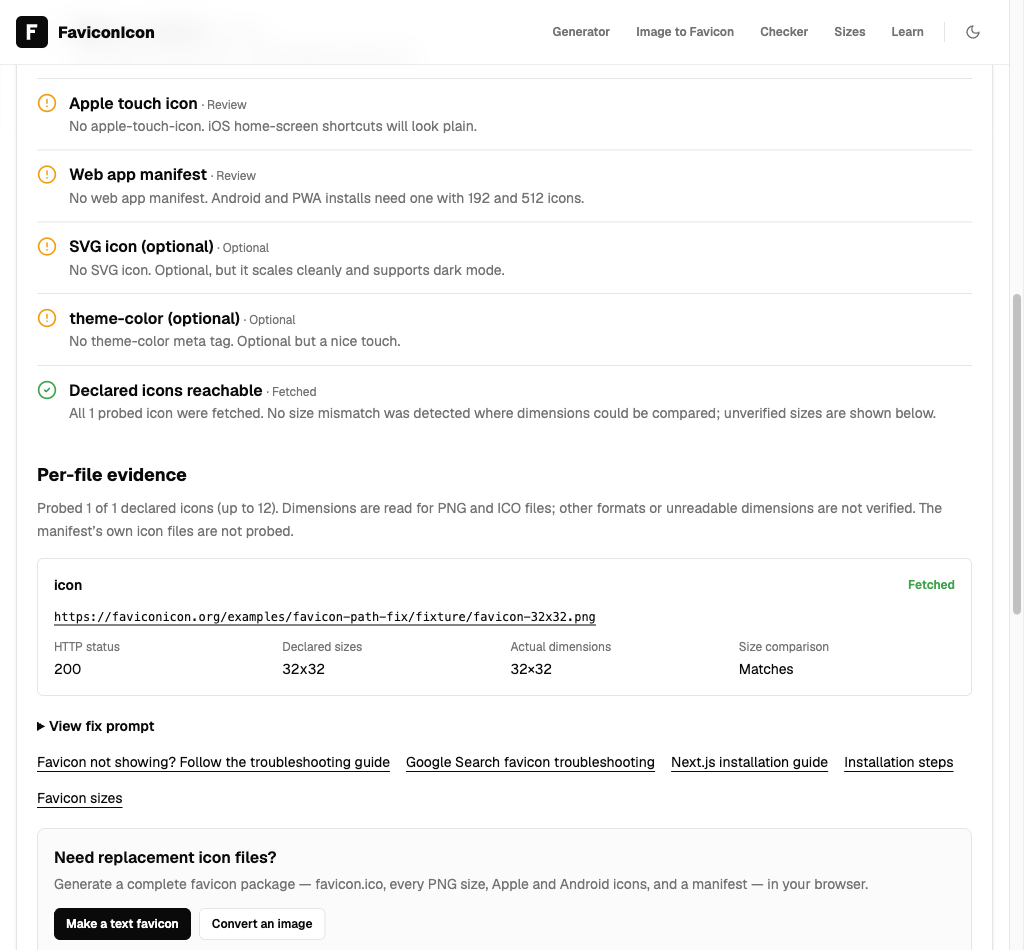
The production checker fetched both public fixtures on November 16, 2026. Its per-file report recorded 404 / Fetch failed before the change and 200 / Fetched with actual dimensions 32×32 after the change. No simulated report was used. Content-Type comes from separate HTTP/Network observations, not a field returned by the current checker API.
Before: actual API report · Copied fix prompt
After: actual API report · Copied fix prompt
Apply the checks to your site
Check a public website · Follow the complete troubleshooting guide · Review the installation case
This is an intentionally constructed demonstration, not a customer incident. It does not test CDN caches, Google crawling or Google Search display.